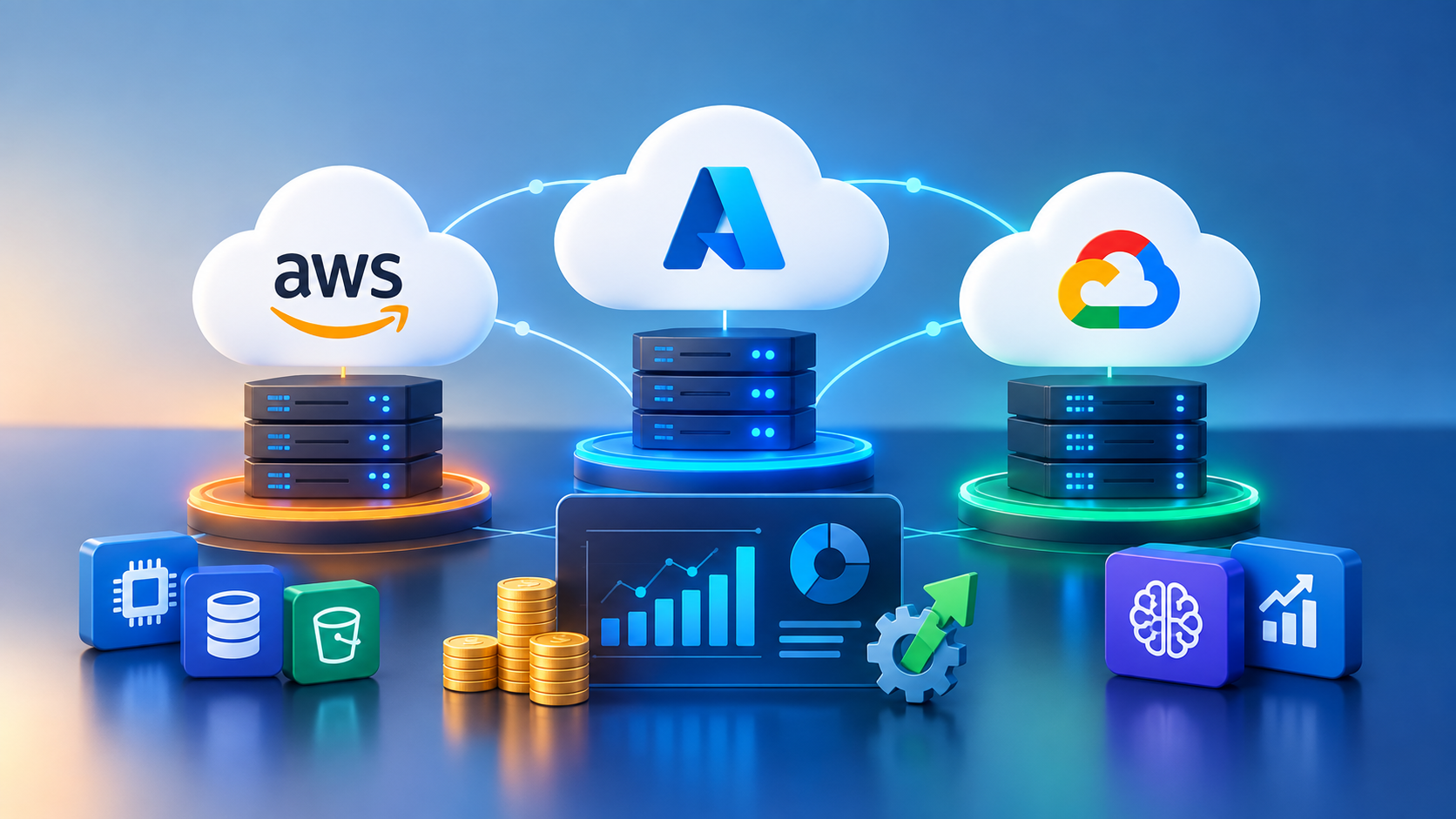
There is no single cheapest cloud provider — AWS, Azure, and Google Cloud each win on different workloads. AWS offers the deepest discount tooling (Savings Plans, Spot, Cost Explorer) and the widest service catalog. Azure tends to work out cheaper for organizations already licensed into the Microsoft ecosystem, through Hybrid Benefit and bundled enterprise agreements. Google Cloud usually has the lowest baseline compute pricing thanks to automatic sustained-use discounts, and it leads on AI/ML and data-analytics cost efficiency. Real savings come less from picking the “cheapest” provider and more from rightsizing resources, committing to usage where practical, and automating cleanup of idle infrastructure — the discipline generally called FinOps.
Why Cloud Bills Get Out of Control
Most cloud overspend does not come from usage that a business actually needs. It comes from resources nobody is watching: development environments left running overnight, storage tiers that were never downgraded after a project ended, and autoscaling groups sized for a traffic spike that happened once. Add in the complexity of three different pricing models — each with its own units, discount structures, and billing terminology — and it becomes easy to lose track of where the money is actually going.
Before comparing providers, it helps to name the drivers that inflate a bill on any cloud:
- Idle or oversized compute instances running outside business hours
- Storage that was never moved to a cheaper, less-frequently-accessed tier
- Data transfer (egress) charges between regions, availability zones, or clouds
- Orphaned resources — unattached disks, unused load balancers, forgotten snapshots
- Lack of tagging or cost allocation, so no one owns the bill for a given team or project
AWS Cost Optimization Strategies
AWS has the most mature discount tooling of the three providers, largely because it has been running at scale the longest.
- Savings Plans and Reserved Instances: committing to a consistent level of compute usage for one or three years can cut costs significantly compared with on-demand pricing, and Savings Plans apply automatically across instance families as workloads shift.
- Spot Instances: spare AWS capacity sold at a steep discount, well suited to batch jobs, CI/CD pipelines, and fault-tolerant workloads that can handle interruption.
- S3 storage tiering: Intelligent-Tiering automatically moves objects between access tiers based on usage patterns, which removes the need to manually track what data is still “hot.”
- AWS Cost Explorer and Budgets: native tools for visualizing spend trends, forecasting, and setting alerts before a bill gets out of hand.
- Right-sizing with Compute Optimizer: AWS's own recommendation engine flags instances that are consistently underutilized.
Azure Cost Optimization Strategies
Azure's biggest cost lever is usually the Microsoft ecosystem itself, not a pricing trick unique to the platform.
- Azure Hybrid Benefit: organizations with existing Windows Server or SQL Server licenses can apply them toward Azure compute, which can meaningfully lower the effective rate.
- Reserved VM Instances and Savings Plans: similar to AWS, one- and three-year commitments reduce compute costs for predictable workloads.
- Azure Advisor: surfaces personalized recommendations for underused resources, oversized VMs, and unattached disks.
- Azure Cost Management + Billing: budgeting, anomaly detection, and cost-allocation tooling built directly into the portal.
- Dev/test pricing: discounted rates for non-production environments, which is an easy win for teams that keep staging environments running continuously.
Google Cloud (GCP) Cost Optimization Strategies
GCP's pricing model is the most automatic of the three — several discounts apply without any commitment or configuration.
- Sustained use discounts: GCP automatically discounts compute instances that run for a significant portion of the billing month, with no upfront commitment required.
- Committed use discounts: for predictable workloads, one- and three-year commitments bring further savings on top of sustained-use pricing.
- Preemptible and Spot VMs: short-lived, heavily discounted instances for interruptible workloads such as rendering or large-scale data processing.
- BigQuery cost controls: switching between on-demand and flat-rate/slot-based pricing, plus setting custom query cost limits, prevents runaway analytics bills.
- Recommender and Active Assist: GCP's built-in tools that flag idle VMs, oversized persistent disks, and unused IP addresses.
Multi-Cloud FinOps: What Actually Moves the Needle
For teams running workloads across more than one provider — now roughly three-quarters of enterprises, according to recent industry research — the biggest savings rarely come from a single provider's discount program. They come from process:
- Tag everything by team, project, and environment so spend can be attributed and owned
- Rightsize on a recurring schedule, not as a one-time project
- Automate shutdown of non-production environments outside working hours
- Set budget alerts before overspend happens, not after the invoice arrives
- Review architecture for cross-cloud or cross-region egress charges, which are easy to overlook and hard to reverse after the fact
This is where a FinOps practice — a shared discipline between engineering, finance, and leadership — pays for itself. It turns cost optimization from an occasional cleanup project into a habit built into how infrastructure gets deployed.
Which Cloud Should You Optimize For?
The right answer depends less on sticker price and more on the workload, the team's existing skills, and the tooling already in place. A team deep in the Microsoft stack will usually find Azure cheaper in practice thanks to licensing benefits, even if list prices look similar to AWS. A data- or AI-heavy product often gets more value per dollar on GCP. A team that needs the widest range of managed services, the largest talent pool, and the most third-party integrations will often default to AWS.
If you're weighing a cloud migration, a multi-cloud architecture, or you simply suspect your current bill is higher than it needs to be, DevLogix's Cloud & DevOps Services team can audit your current setup and build a cost-optimization plan around the workloads you actually run — not a generic checklist.
Teams running AI or machine learning workloads specifically should also look at our AI Development Services, since model training and inference costs often dwarf general compute spend and need their own optimization approach.
Frequently Asked Questions
Is AWS, Azure, or GCP cheapest in 2026?
None of the three is universally cheapest. GCP often has the lowest baseline compute pricing due to automatic sustained-use discounts, Azure can be cheapest for Microsoft-licensed organizations, and AWS offers the deepest discounts for teams willing to commit to Savings Plans or use Spot Instances. Actual cost depends on workload type, region, and commitment level.
What is the fastest way to reduce a cloud bill?
Start by shutting down idle and non-production resources outside business hours, then rightsize instances that are consistently underutilized. These two steps typically produce savings faster than switching providers or negotiating a new contract.
What is FinOps?
FinOps is the operating model that brings engineering, finance, and business teams together to manage cloud spend as an ongoing, shared responsibility rather than a once-a-year cost review.
Should a small business use multiple cloud providers?
Usually not by default. Multi-cloud adds operational complexity and often increases egress costs. It tends to make sense only when a specific workload is genuinely better served by a second provider — for example, using GCP for a data or AI workload while the rest of the stack runs on AWS.
Final Thoughts
Cloud cost optimization is not a one-time migration decision — it's an ongoing practice. Whichever provider you're on, the biggest wins come from visibility (knowing where the spend is going), rightsizing (matching resources to actual usage), and automation (removing the manual work of catching waste). Providers will keep releasing new discount programs and pricing tiers, but the fundamentals of cost discipline don't change year to year.
Not sure where to start? Get in touch with DevLogix for a no-obligation review of your current cloud architecture and spend.